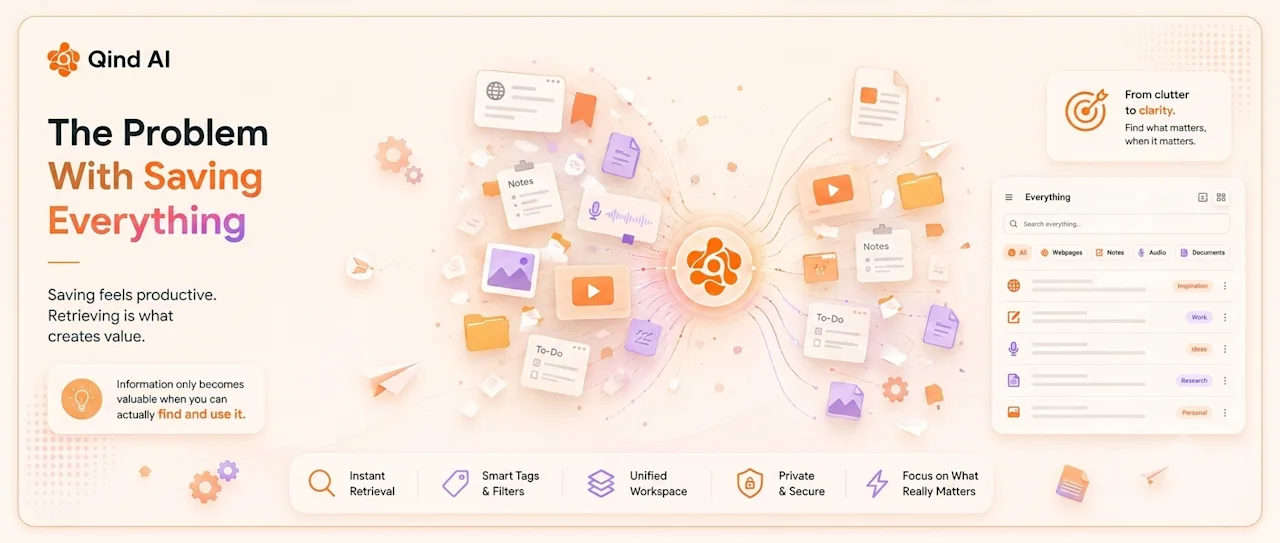
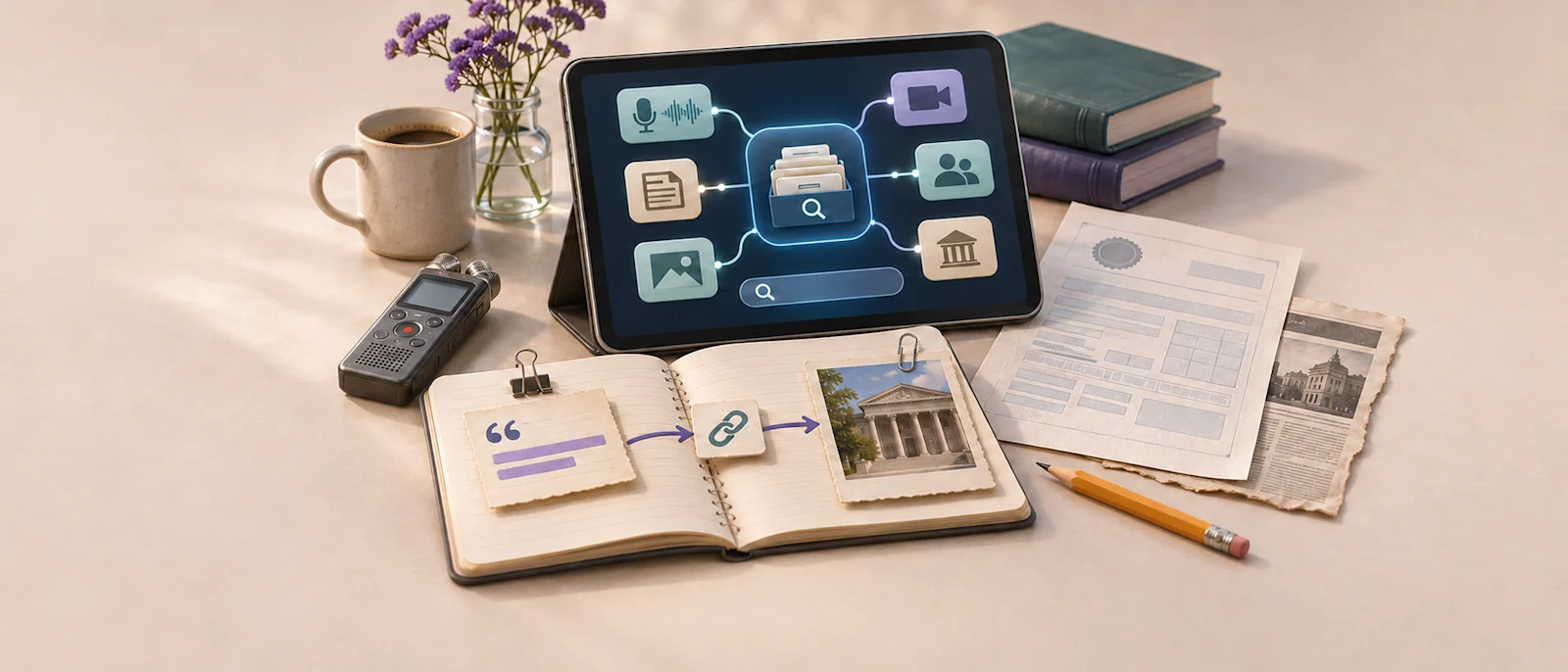
Reporting rarely happens in one place. A useful public record is open in a browser tab, an interview recording sits on a phone, a quote is copied into a draft, and background reading is saved in a different app. The material may be easy to capture in the moment, but weeks later it can be difficult to remember where a claim came from, what the source actually said, or why a document mattered.
A source library helps keep reporting material connected to its context. It is not a substitute for editorial judgment, secure newsroom systems, or verification. Its job is to make research easier to find and review, while preserving a clear path back to the original material.
Preserve the path from claim to source
A saved link or clipped paragraph is more useful when it includes a short note about why it matters. For each item, record the reporting question it relates to, the source and publication date, what the material supports, and what remains unverified. A link to a public report, for example, should be accompanied by the specific claim or figure you may need to check later.
This distinction is important: a source that mentions a subject does not necessarily substantiate every claim made about it. Keep the original page, document, or recording available so you can return to the full context. The Society of Professional Journalists’ Code of Ethics advises journalists to verify information before release and use original sources whenever possible.
Capture reporting context while it is fresh
Short notes written during or after research can save time later. You might record the question you were investigating, the relevant passage or timestamp, the detail that needs follow-up, and any limitations you noticed. For interviews, distinguish direct quotations from paraphrases and mark unclear audio or statements that need confirmation.
A simple structure can work across beats:
Reporting question:
What are you trying to establish?
Source:
Who or what produced this material, and when?
Relevance:
Which claim, lead, or background point does it inform?
Verification:
What have you checked, and what remains open?
Next step:
What should be confirmed or compared?
The point is not to turn every item into a formal memo. A few precise lines can preserve the context you are unlikely to remember later.
Organize by reporting questions, not file type
Journalists often search by the issue they were covering, not by whether the material was a PDF, a screenshot, or an audio file. Broad categories such as a beat, topic, location, investigation, or reporting stage can make material easier to retrieve across formats. Keep the structure simple enough to use consistently, and add tags only when they help answer a likely future question.
Be careful with labels when a source’s identity is confidential. A folder name, tag, or note title can reveal information even if the underlying document is protected. Follow newsroom policy for confidential sources and keep sensitive material in approved systems.
Use AI search to find material, then verify it
Search tools can help surface an old note or saved source when you remember its subject but not its title. Qind lets users save web pages, files, notes, and recordings in one library; its search and answers can link back to the saved items used. That can help locate relevant material, but it does not verify a claim for you. Open the original source, check its date and context, and confirm that it supports the wording you plan to publish. See how Qind saves and retrieves sources.
Keep your reporting research connected to its sources. Save public or approved material in one searchable library with Qind. Try Qind free · Explore Qind features
Protect confidential sources and unpublished material
A personal knowledge library is not automatically an appropriate place for sensitive reporting. Before adding unpublished documents, source identities, private records, or confidential interview material to any third-party service, check newsroom policy, source-protection commitments, and the service’s data practices.
Qind processes saved content on its servers and is not end-to-end encrypted, as explained in its privacy policy. Do not save confidential source information or sensitive unpublished reporting in Qind unless your organization’s rules and the relevant permissions explicitly allow that use. Public sources and non-sensitive working notes may be more suitable, depending on your workflow.
Review the library before the next assignment
Before starting a related story, search your library for earlier reporting, public records, useful background, or unresolved questions. A brief review can help you avoid repeating work and show where a previous lead needs fresh verification. Add dates and caveats to notes whose relevance may change over time, and keep the source link alongside any summary.
The best source library is not the one with the most saved material. It is the one that helps you locate the original evidence, understand why it mattered, and make a careful decision about what it can support.
Make your next source easier to find. Start a searchable library for the public research and notes you are permitted to keep. Start saving with Qind