
Consultants rarely start from zero. A new project may raise questions they have explored before: how to assess a market, compare options, structure an interview, or explain a complex decision. Yet the useful material from earlier work is often spread across slide decks, PDFs, meeting notes, browser bookmarks, and old project folders. The challenge is not simply saving more information. It is finding the right insight again, understanding where it came from, and knowing whether it applies to the current client.
A lightweight knowledge system can help consultants preserve reusable expertise without turning note-taking into another project. The goal is to keep research, decisions, and lessons easy to retrieve, while preserving the context and boundaries that make each item useful.
Capture the reasoning, not only the deliverable
A final presentation shows what a team recommended, but it may not preserve why that recommendation made sense at the time. The assumptions, evidence, trade-offs, and constraints behind a decision can be just as valuable as the finished slide. When capturing a project lesson, include enough context to distinguish a reusable principle from a client-specific conclusion.
A compact note might record the question being answered, the source or evidence used, the decision or insight, the conditions that shaped it, and what would need to be true for the lesson to apply elsewhere. For example, “This pricing approach worked” is difficult to reuse without context. A more useful note explains the market conditions, customer segment, constraints, and evidence that informed the decision.
The aim is not to document every conversation. Preserve the reasoning behind decisions and the observations you are likely to need again.
Separate reusable methods from client information
Consulting work depends on trust, and a personal knowledge system needs clear boundaries. A general library can hold reusable frameworks, public research, anonymized observations, and the consultant’s own methods. Client-identifying information, confidential material, personal data, and sensitive project documents should stay in approved systems and be handled according to the client agreement and firm policy.
Before saving client-related material in any third-party tool, check whether the tool and the planned use are permitted. Qind processes content on its servers and is not end-to-end encrypted, as described in its privacy policy. Do not put confidential client information into Qind or another personal knowledge tool unless the relevant policies and permissions explicitly allow it. When appropriate, remove identifying details and preserve only the generalizable lesson.
That separation makes the library more useful as well as safer: reusable expertise remains accessible without mixing it with material that belongs in a restricted client workspace.
Organize around the questions you ask repeatedly
A knowledge system should reflect how you retrieve information, not only how you received it. Consultants might group notes by topic, project phase, research method, or type of decision. Useful labels could include “market sizing,” “customer interviews,” “pricing,” “implementation risks,” or “stakeholder alignment.” Keep the structure broad enough that you can reuse it across projects, and add detail only when it helps you find something.
For each item, preserve the original source whenever possible. A research note without a link, date, or author can quickly lose its value. A short summary can help you scan material, but the source allows you to verify the original evidence and understand its limits.
Make retrieval part of the workflow
A library earns its place when it helps answer a real question. Before a new engagement, search for earlier research methods, decision patterns, or public sources relevant to the work. During a project, capture useful discoveries while their context is still fresh. After a milestone, write down what changed your thinking and what evidence supported that change.
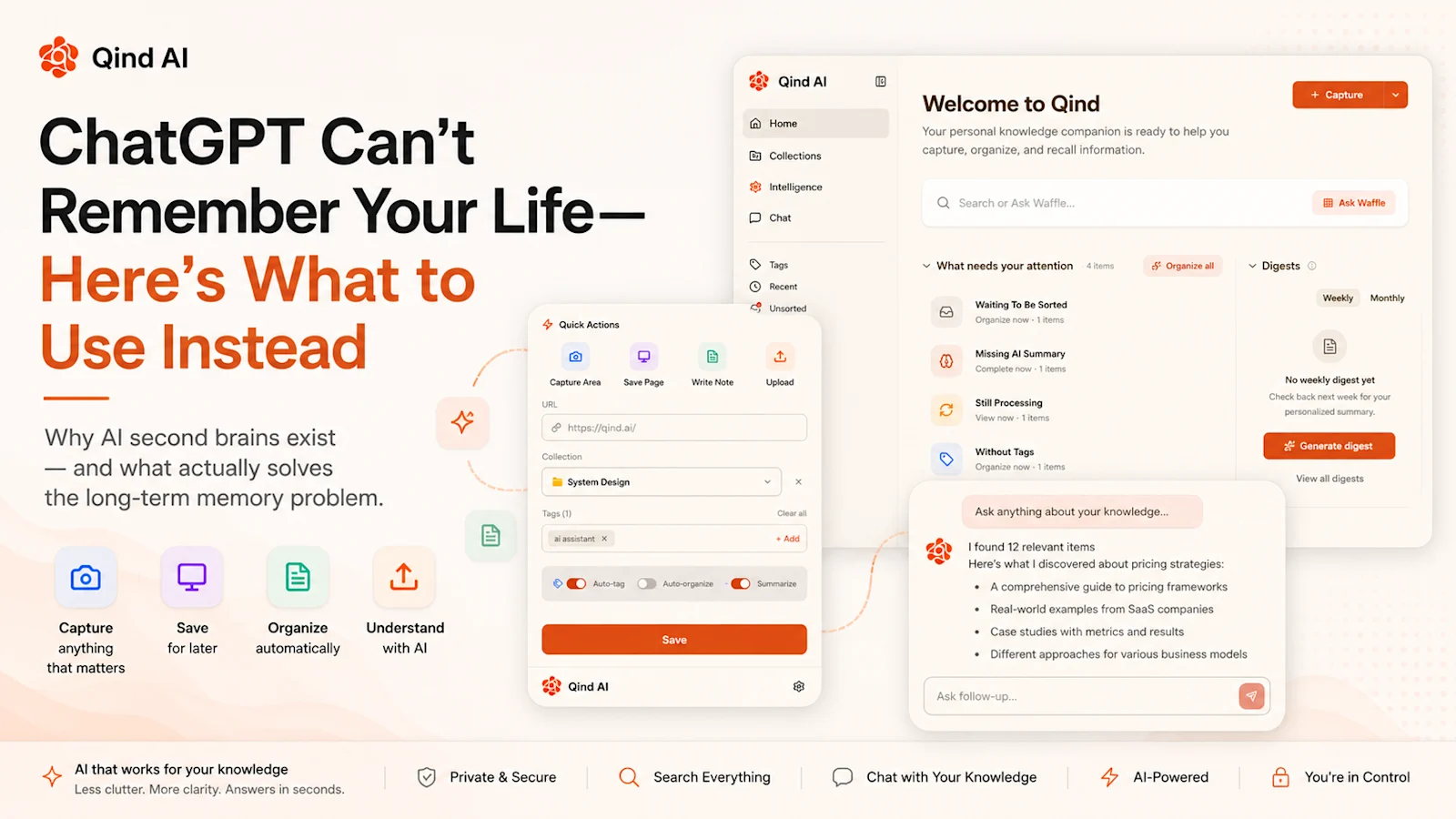
Qind is designed to save pages, files, notes, and recordings in one library, then search by meaning and return answers with links to the saved sources. That can help when you remember the substance of a report or note but not its filename or exact wording. See how Qind saves and retrieves knowledge.
Build a library for the work you can safely reuse. Save research, notes, and sources in one searchable place with Qind. Try Qind free · Explore Qind features
Turn project experience into reusable playbooks
A project closeout is a useful moment to distill experience into a small number of reusable notes. Which question took longer to answer than expected? Which source proved especially useful? What assumption changed during the work? Which process would you repeat, and which depended on circumstances unique to that client?
Keep the answer focused. A playbook should help you start the next project with better questions, not imply that every client problem has the same solution. Include a note about when the method is useful and when it may not apply. That context protects a good insight from becoming an inflexible rule.
A monthly review can help surface related notes and identify old material that needs a date, source, or caveat. You do not need to reorganize the entire library. A few small updates can make its contents easier to trust and reuse.
Start with one repeatable habit
You do not need a complicated taxonomy or a perfect archive to begin. Choose one recurring type of work, such as customer research or market analysis, and create a simple place to capture sources, decisions, and lessons. When the next similar project begins, search that collection and note what was useful. Refine the structure only after you see what you actually need to retrieve.
The strongest consulting knowledge system does not copy entire client projects into a personal archive. It helps consultants carry forward approved methods, public sources, and carefully separated lessons—while leaving restricted client information where it belongs. The result is a body of expertise that becomes easier to find, verify, and apply thoughtfully.
Make your next useful insight easier to find. Start a searchable knowledge library with Qind. Start saving with Qind