I’ve had a Pocket account since 2014. Roughly 2,800 saves in it. I think I’ve gone back to maybe forty of them in eleven years.This is not because Pocket is bad. Pocket is fine. It does exactly what it claims: lets you save articles to read later. The problem is that nothing happens after the save. The article sits in a chronological list with a few tags I added at the time and never thought about again. Three years later I genuinely cannot tell you what’s in there.I’ve also tried Raindrop, Notion as a personal knowledge base, Obsidian with the web clipper plugin, and just leaving everything in Apple Notes. They all break in roughly the same way.The act of saving is easy. The act of finding what I saved, months later, when it actually matters, is borderline impossible.
# Built for storage, never for retrieval
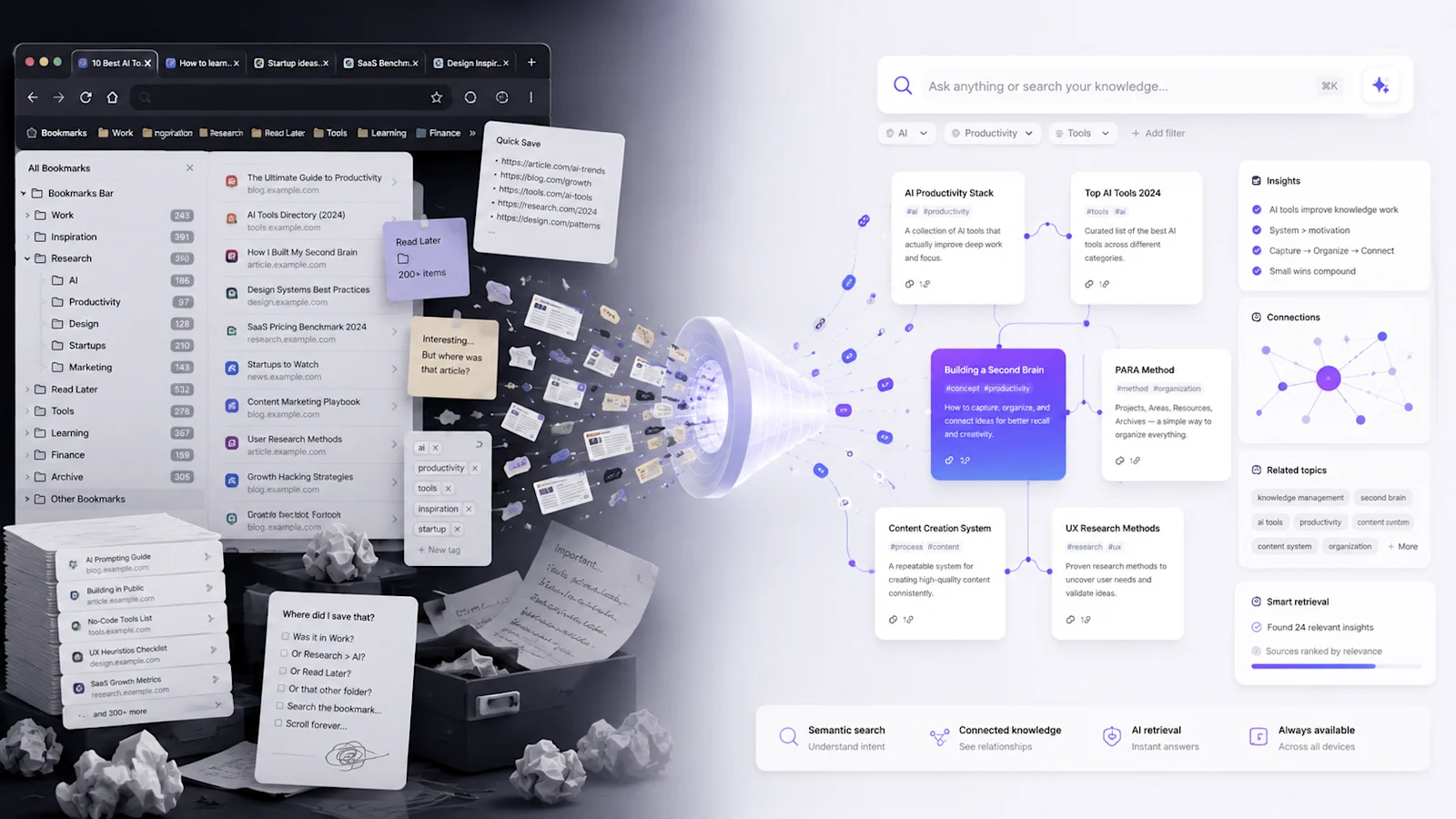
Most “knowledge tools” treat saving as the main event. One click, captured, done. The friction at capture is low and they all optimize for it.What happens next gets less attention. Three months later, when I need that specific article about pricing experiments (the one with the comparison table and the four-tier framework), I’m on my own.I remember saving it. I don’t remember where.So I check Pocket. 340 items, most untagged. Five minutes of scrolling and I give up. I check my bookmarks folder labeled “Business,” 80 items, nothing obviously relevant. I try searching “pricing” and get 14 results across three different apps, none of which is the right article. I re-Google it. Fifteen minutes gone.That’s the actual experience of using bookmarking tools at scale. The content was saved. The saving was even organized at the time. But when I need to retrieve it, nothing helps.Keyword search against titles and URLs is not a retrieval system. It’s a guessing game. It works if you remember the exact title, the exact phrase, the exact source. It fails completely if you remember what the article was about but not what it was called — which is the actual common case.
# Why getting more organized doesn’t work
The natural response to retrieval failure is to organize harder. Better tags. More specific folders. Naming conventions you actually stick to.I’ve done this several times. It works for a while.The honest pattern is something like: for the first few weeks of a new system I’m meticulous. I tag everything, I file everything, I prune everything. Then a deadline hits and I save five things without tagging them, telling myself I’ll come back. I don’t come back. By month three the folder structure I designed is no longer matching how I’m actually thinking about the work. Old categories don’t fit new interests. New ideas span multiple folders. I create an “Inbox” folder for the unsorted stuff. Six months later it’s the biggest folder in the system.This pattern is independent of the tool. I’ve watched friends do the exact same thing in Notion, in Obsidian, in Raindrop, in actual browser bookmarks. We design beautiful schemes when our knowledge domain is small and stable, and then our knowledge domain isn’t small and stable anymore.Manual organization assumes a kind of perpetual maintenance that nobody actually sustains. That’s not a discipline failure, it’s a bad match between how the human brain handles attention over time and what these tools demand.
# The real shift: ask, don’t browse
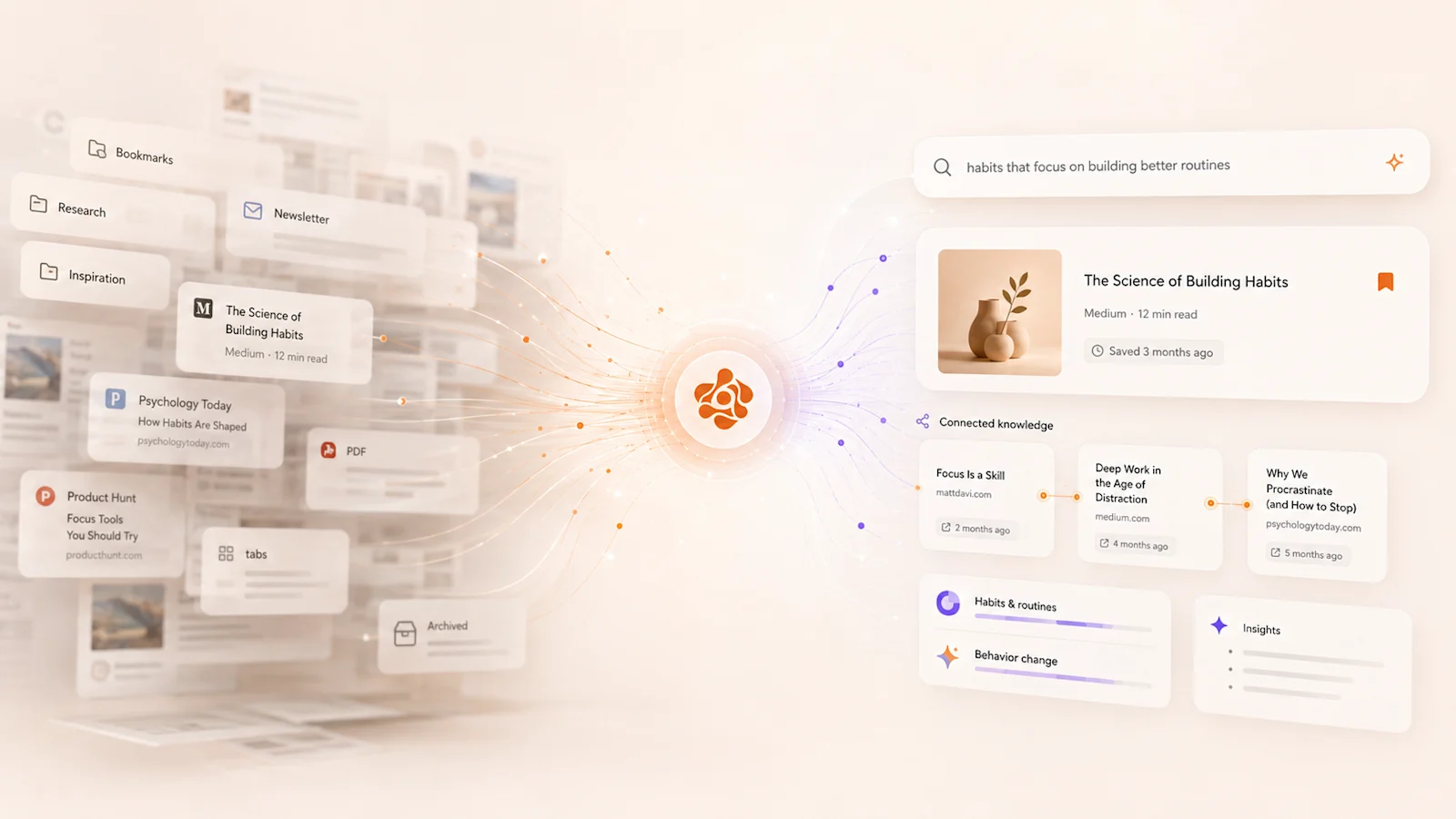
The thing that actually changes the math is this: with modern AI retrieval, you don’t need to remember where you put something. You describe what you’re looking for and the system finds it.Instead of asking yourself “Which collection contains that article about scaling engineering teams?”You just type: “What do I have saved about the challenges of growing an engineering org from 10 to 50 people?”Those are completely different operations. The first one requires you to reconstruct what your past self decided about folder structure. The second one requires you to describe the idea in your own current words, the way you’d ask a coworker.The second one works because modern AI retrieval understands meaning, not just keywords. Under the hood it uses vector embeddings, which is a way of representing content as a point in a high-dimensional space where things that mean similar things end up near each other. When you search, you’re finding things by proximity in meaning-space, not by exact word match.That sounds technical and you don’t really need to understand it. The user experience is just: describe what you want, get it back. Even if you’ve saved a thousand things. Even if you can’t remember the title, source, or date. You ask, it finds.
# What an AI knowledge system does differently
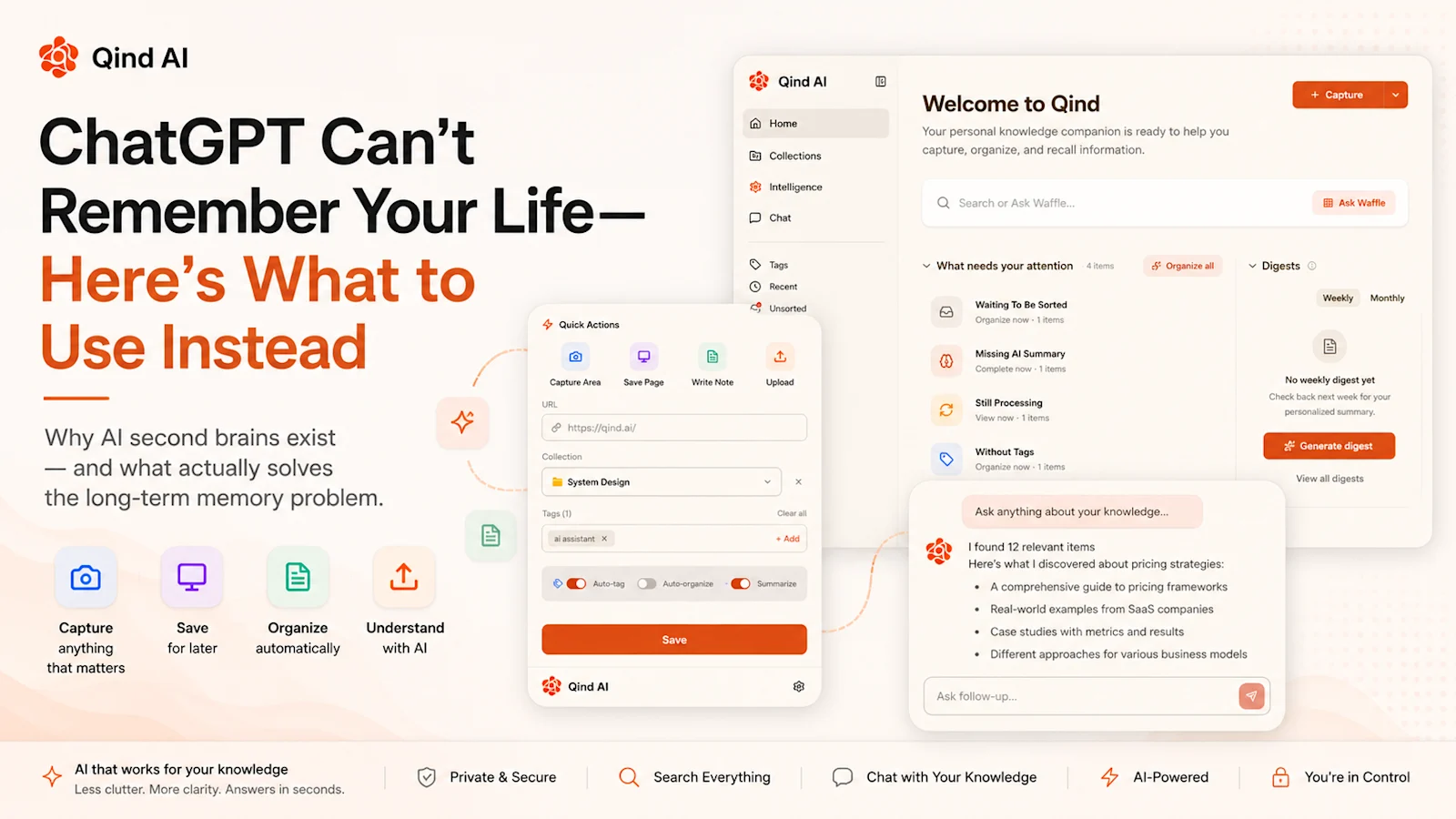
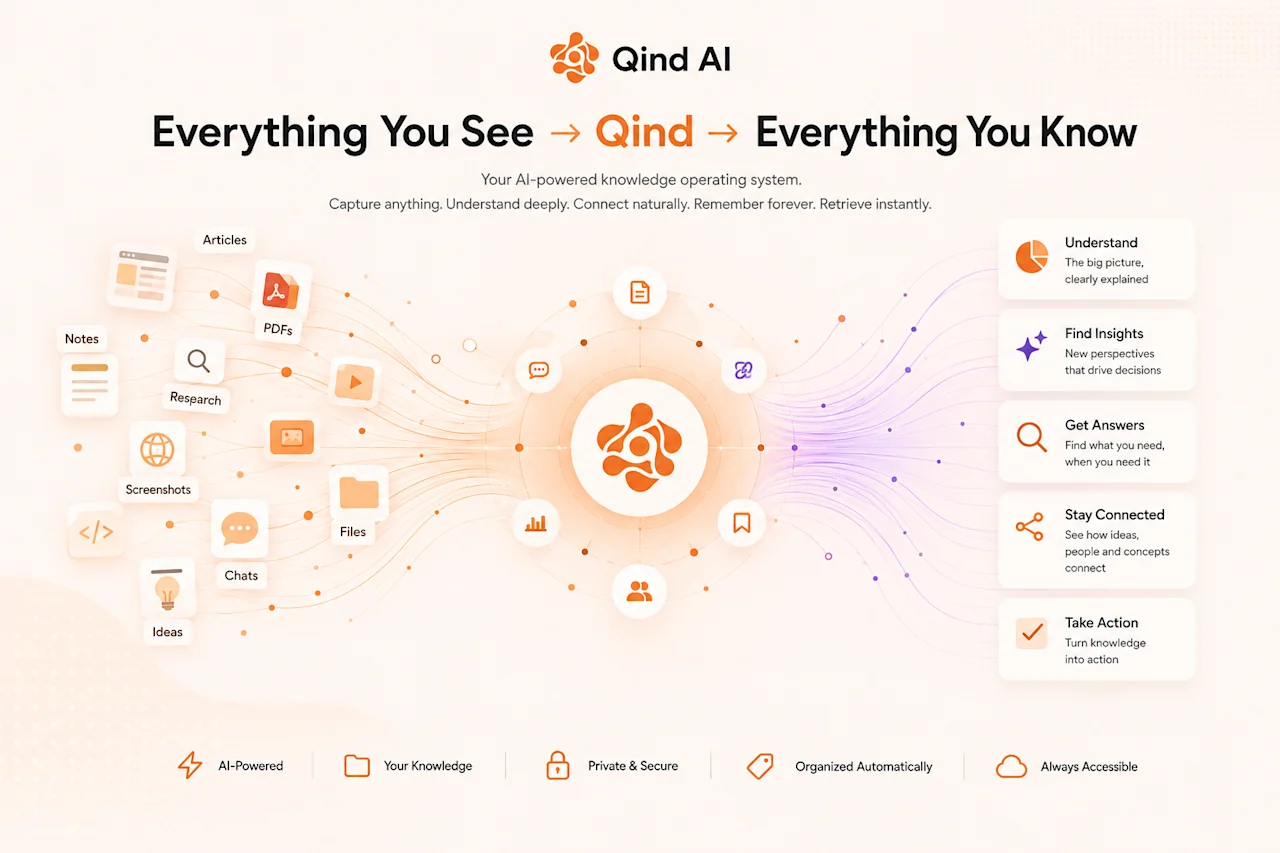
When you save something to a modern AI knowledge tool, the workflow is meaningfully different from bookmarking.The system doesn’t just store a URL. It reads the content. It generates a summary of the key points. It assigns tags based on what the article is actually about, not just the title. It looks for connections to things you’ve already saved and starts inferring relationships between pieces of your knowledge.Over time, your saved material becomes an interconnected body of stuff you can actually query, instead of a flat list of links you can’t.When you ask a question, the system retrieves the most relevant pieces from your collection and uses them as the basis for an answer. The answer is grounded in your specific saved material, with citations so you can trace it back. The AI isn’t pulling from its training data here. It’s pulling from your stuff.In practice this means you can ask:“What were the main arguments in the pieces I saved about market entry strategy?”“Find everything I have about Postgres performance tuning.”“What do my saved articles say about why people churn from SaaS products?”“Summarize my recent research on AI infrastructure.”None of these queries work in a traditional bookmark manager. All of them work with meaning-based retrieval.
# Why it matters more now than five years ago
The gap between what AI can do in general and what your traditional knowledge tools deliver has never been more obvious.Sitting next to a capable AI assistant, tools designed around folder hierarchies and keyword tags feel quaintly mechanical. Not because they’ve gotten worse, they’re about the same as they always were, but the contrast is stark. On one side: a system that can understand nuanced questions and produce sophisticated answers. On the other: a system that loses your content in a folder you labeled wrong six months ago.The natural next step isn’t a slightly better Pocket. It’s a system that combines the low-friction capture you already like with retrieval that actually works on a collection you’ve been building for years.That’s where this category is going. Save the content once, ask it later in plain language, and let the organization happen automatically in the background.If you want to see what that actually feels like with your own saved material, Qind AI is the simplest place to start. Free plan, no credit card, drop in a handful of articles and try asking questions about them.
Try it yourself
Put this into practice
Qind turns everything you capture into an answerable knowledge base. Save anything; ask it later.